


Numerous companies from various industries trust PROMAN to efficiently manage their protocol documentation and project organization. Our software helps teams document meetings in a structured way, manage tasks, and optimize processes – ensuring seamless collaboration and successful projects.
90 SECONDS See PRO-MINO at work You upload the transcript of your meeting. PRO-MINO compares it with your previous report, identifies which item belongs where, what is new and what has been completed. You review the assignments – and the follow-up report is ready, with owners, due dates and status. The difference to other AI

PRO-MINO on video In just a few minutes you will see how a meeting transcript and an attendance list become a fully structured follow-up report – with owners, due dates and status. You are currently viewing a placeholder content from YouTube. To access the actual content, click the button below. Please note that doing so

You are currently viewing a placeholder content from YouTube. To access the actual content, click the button below. Please note that doing so will share data with third-party providers. More Information Unblock content Accept required service and unblock content Set Up Logo & Project Image Individually – New Features in the PROMAN Meeting Portal With

You are currently viewing a placeholder content from YouTube. To access the actual content, click the button below. Please note that doing so will share data with third-party providers. More Information Unblock content Accept required service and unblock content Two-Factor Authentication in the PROMAN Meeting Portal – Your Login Just Got Even Safer With the
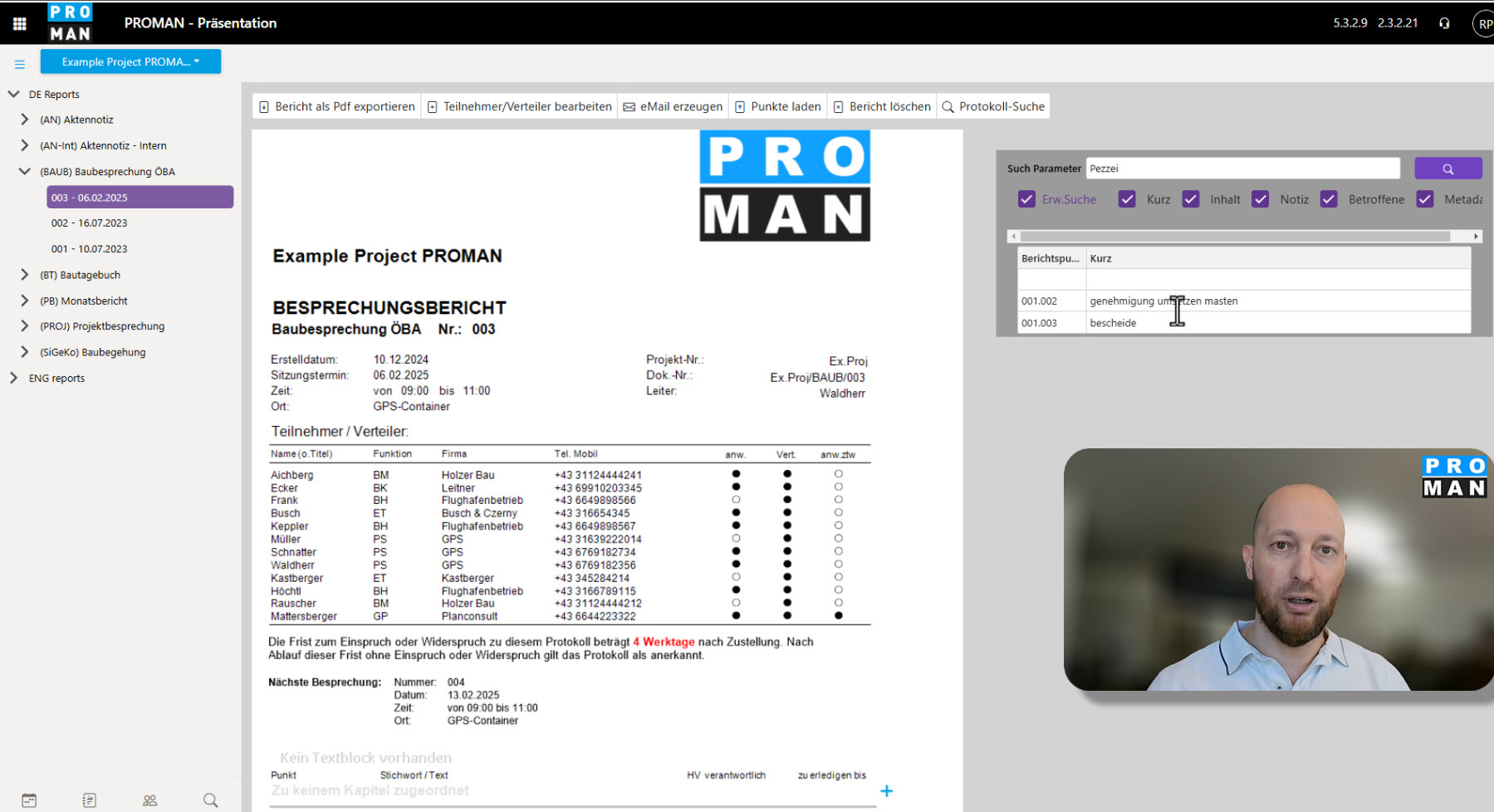
You are currently viewing a placeholder content from YouTube. To access the actual content, click the button below. Please note that doing so will share data with third-party providers. More Information Unblock content Accept required service and unblock content Efficient Search in the PROMAN Portal – New Features for Faster Project Work! With the
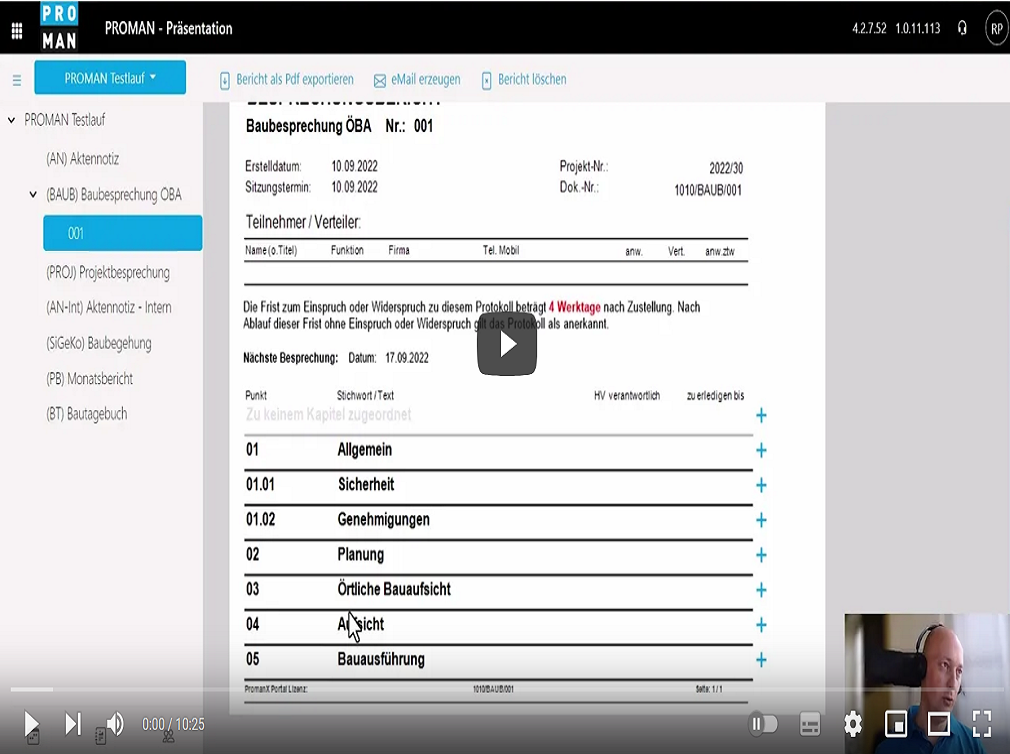
PROMAN Meeting – Cloud, the web-based Meeting Report App can be accessed via a browser from any device, anywhere on the internet. This allows you to work as part of a team – efficiently and from wherever you are.
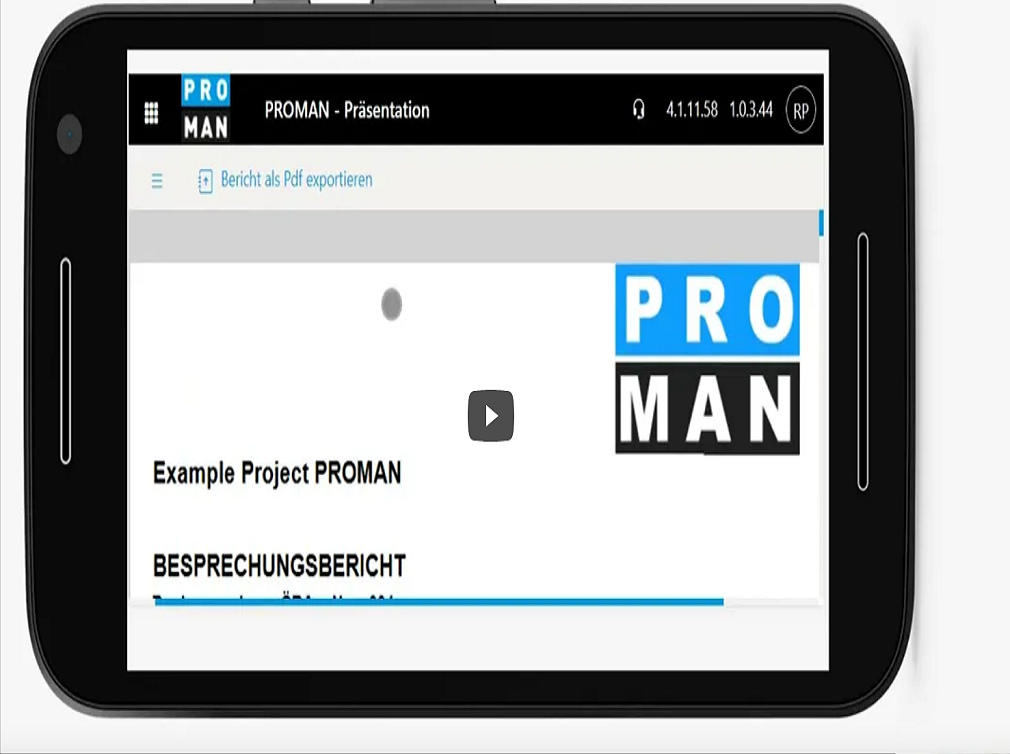
Our web-based Meeting Report App offers you the flexibility to easily write minutes, insert photographs, or write comments from any device, regardless of the operating system you use.
In the following tutorials you will find step-by-step explanations of the most important functions of the Meeting Report Module. Click through and if you have any questions, contact our hotline!
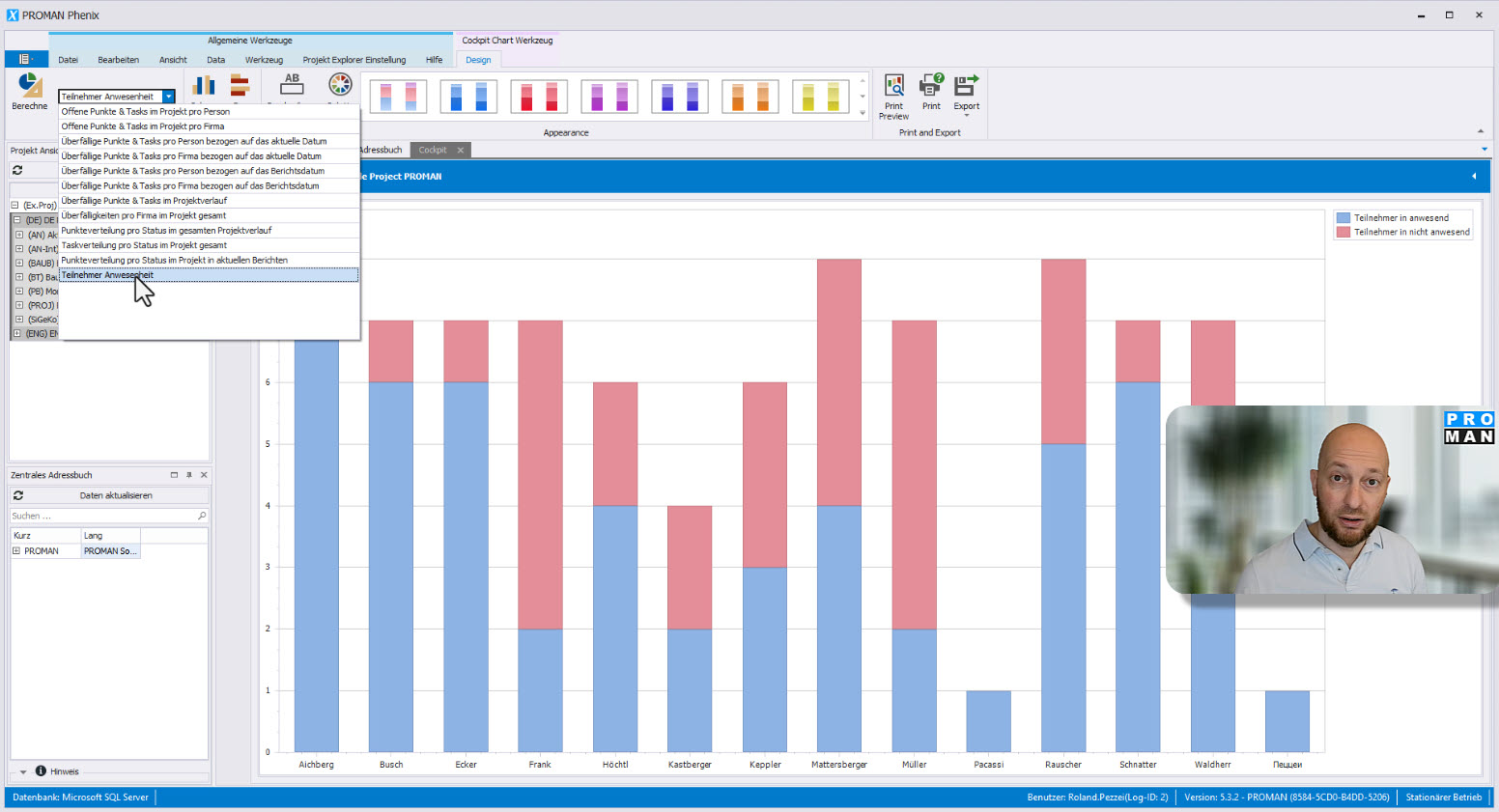
You are currently viewing a placeholder content from YouTube. To access the actual content, click the button below. Please note that doing so will share data with third-party providers. More Information Unblock content Accept required service and unblock content In the second part, I will show you how to use the cockpit to always
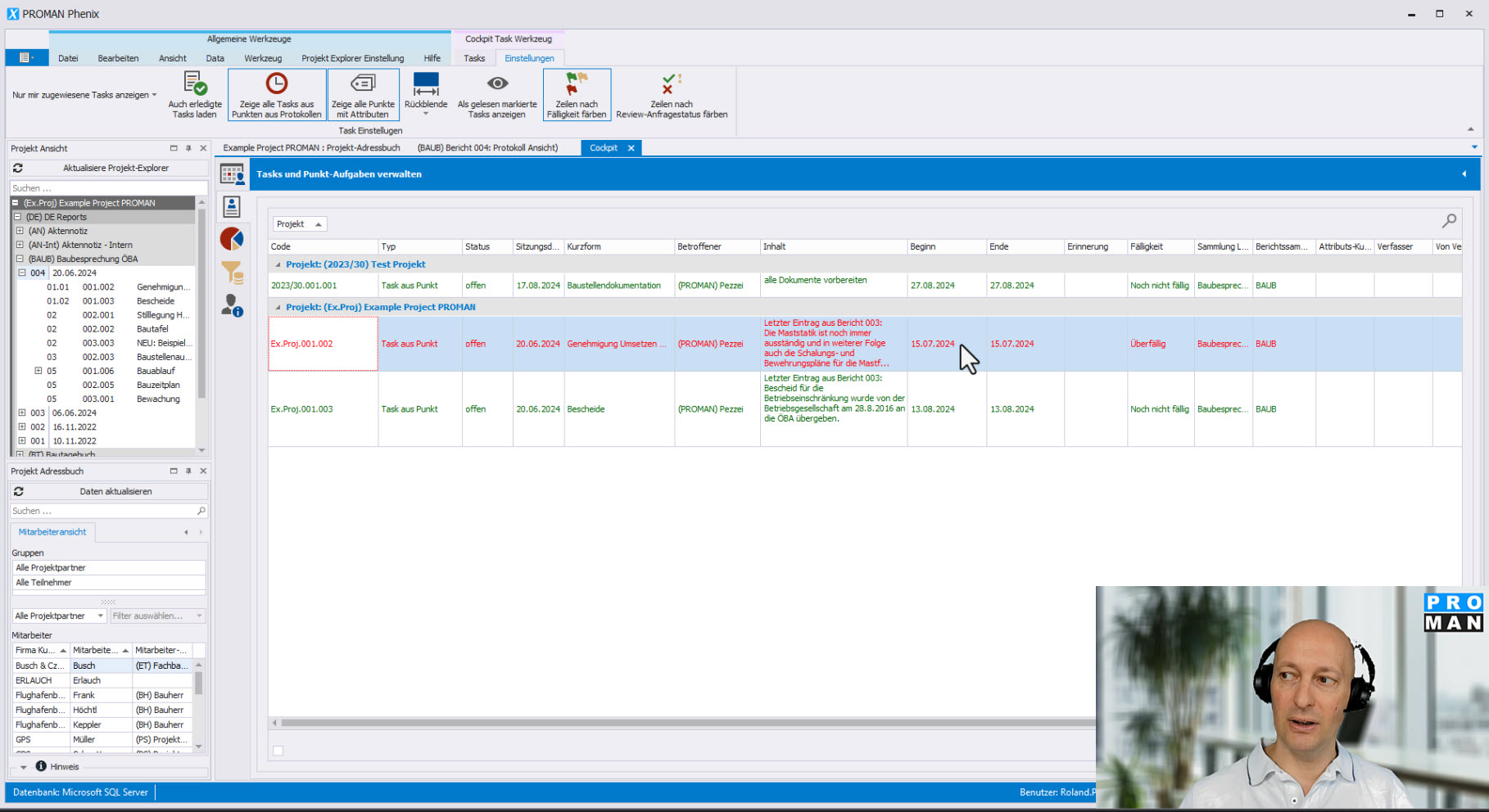
In this three-part tutorial, you will learn how to easily get an overview of all your tasks.
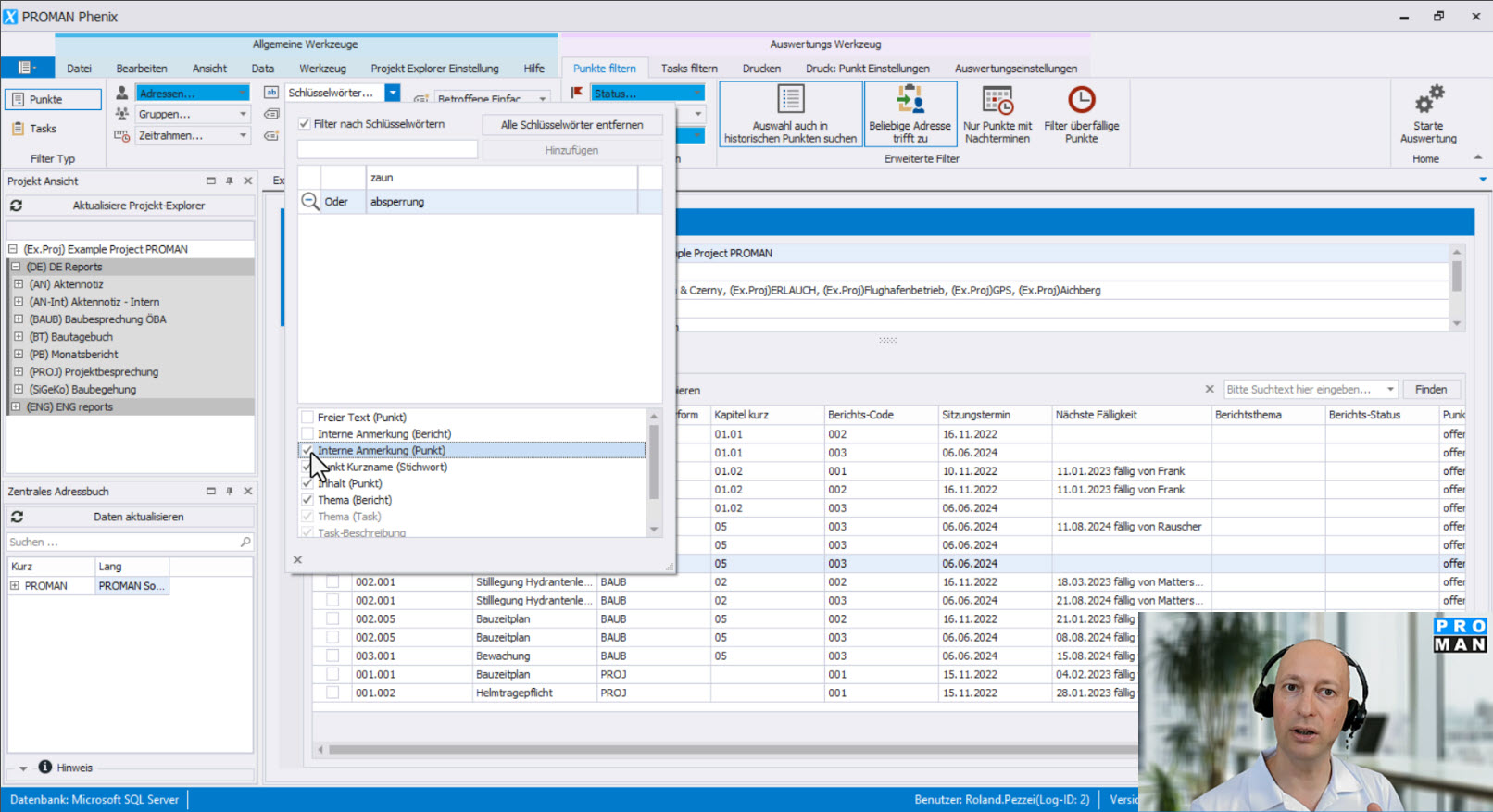
Quickly find your tasks and information in all meeting minutes!
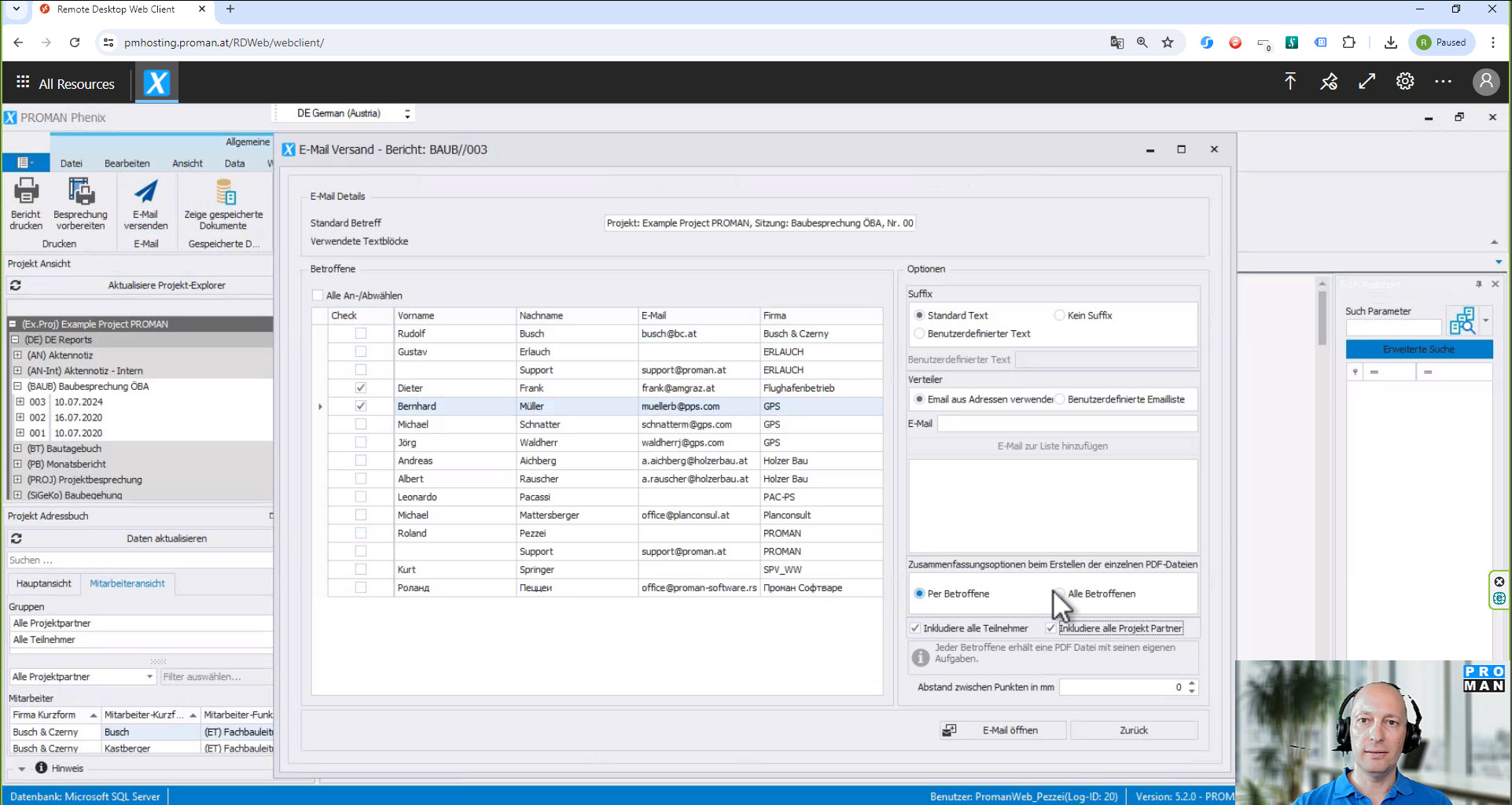
How can you easily create a summary for each meeting participant from the minutes? With the “Filtered Email” feature, it’s done in no time. With it, you can:
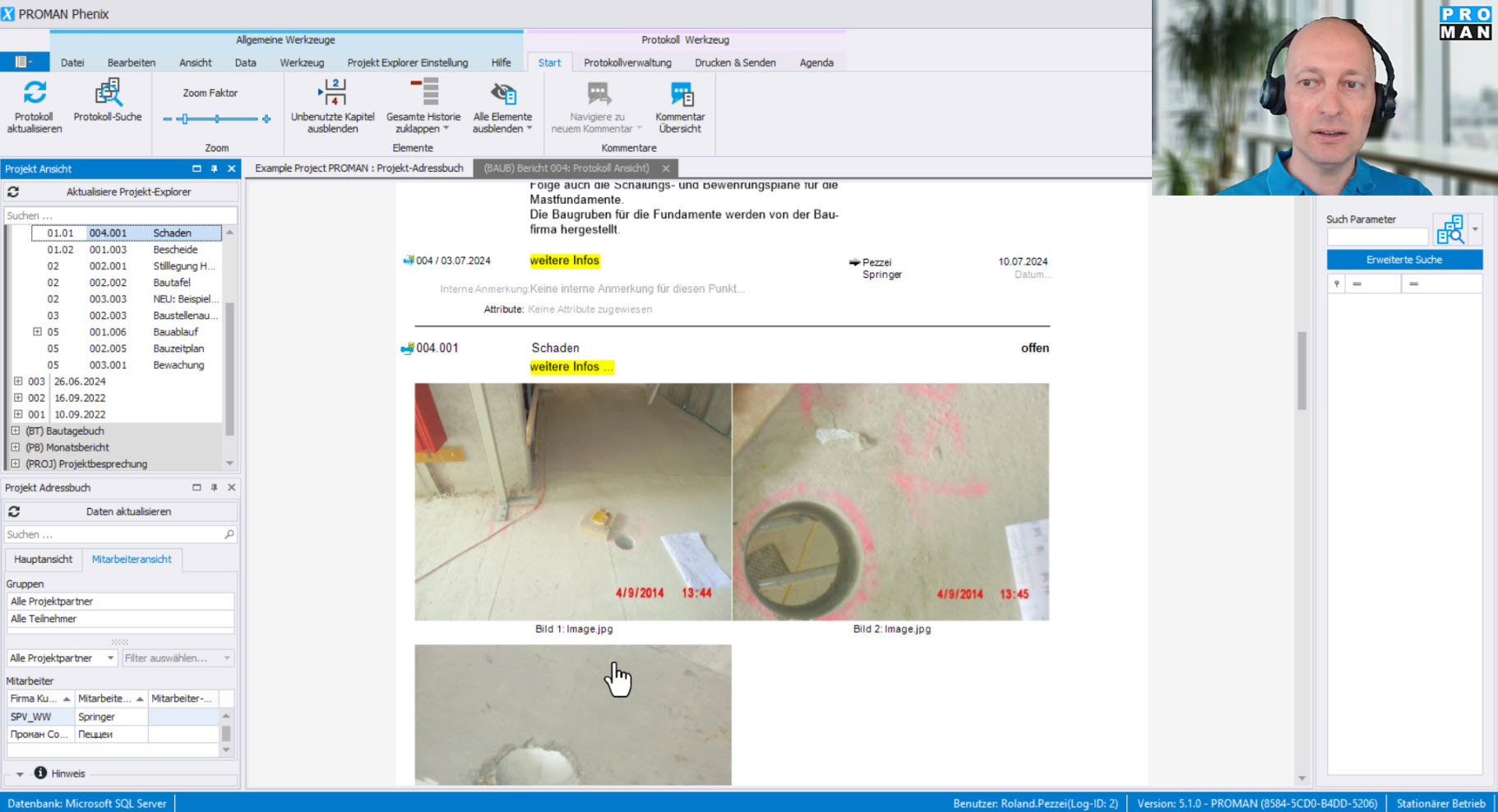
In this tutorial, you will create your report of a meeting. You will learn how to take minutes easily and quickly and discover many small tricks to further speed up the process.
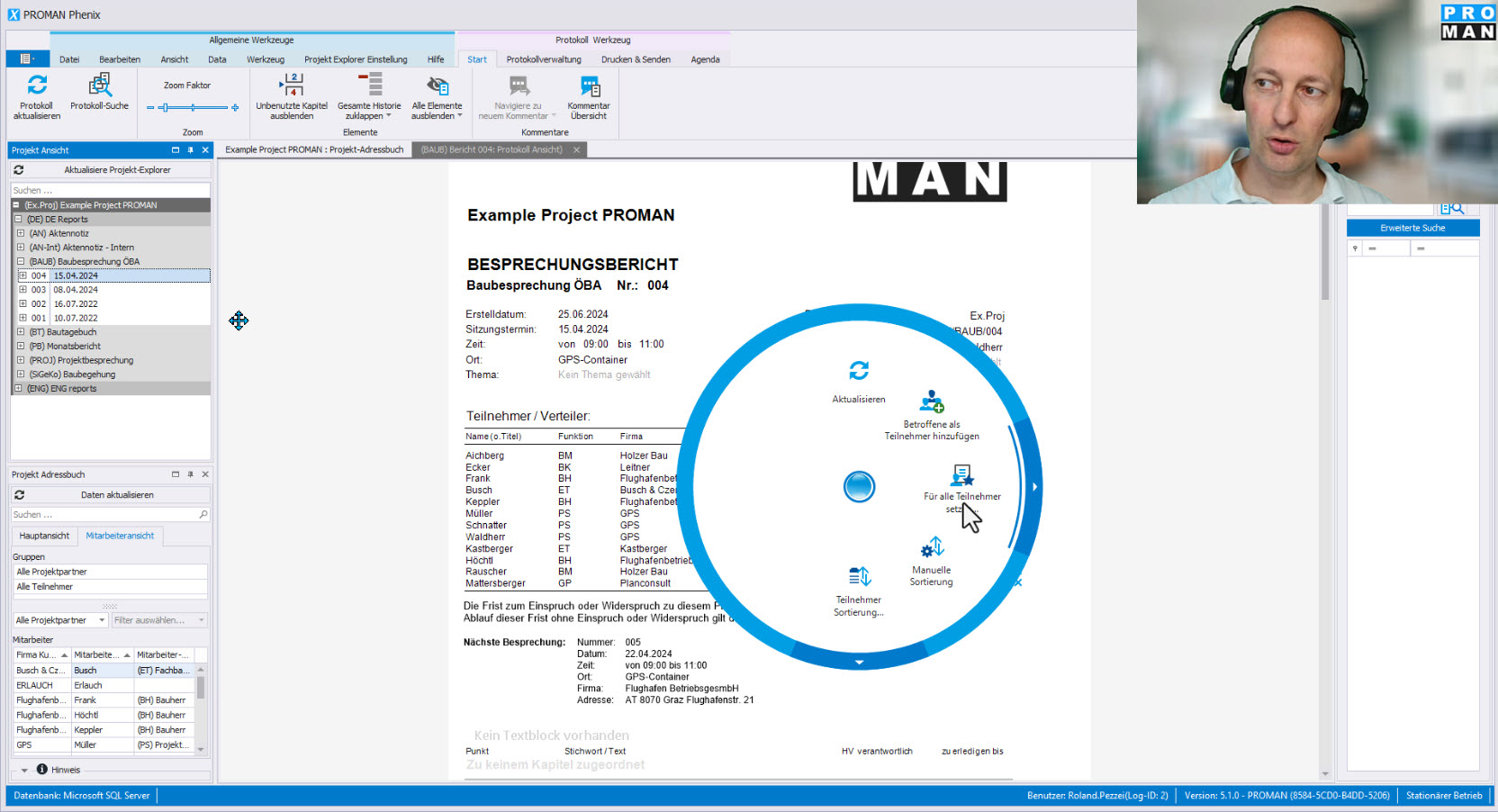
You are currently viewing a placeholder content from YouTube. To access the actual content, click the button below. Please note that doing so will share data with third-party providers. More Information Unblock content Accept required service and unblock content Time savings in standard procedures for participant distribution and new functions for point sorting improve
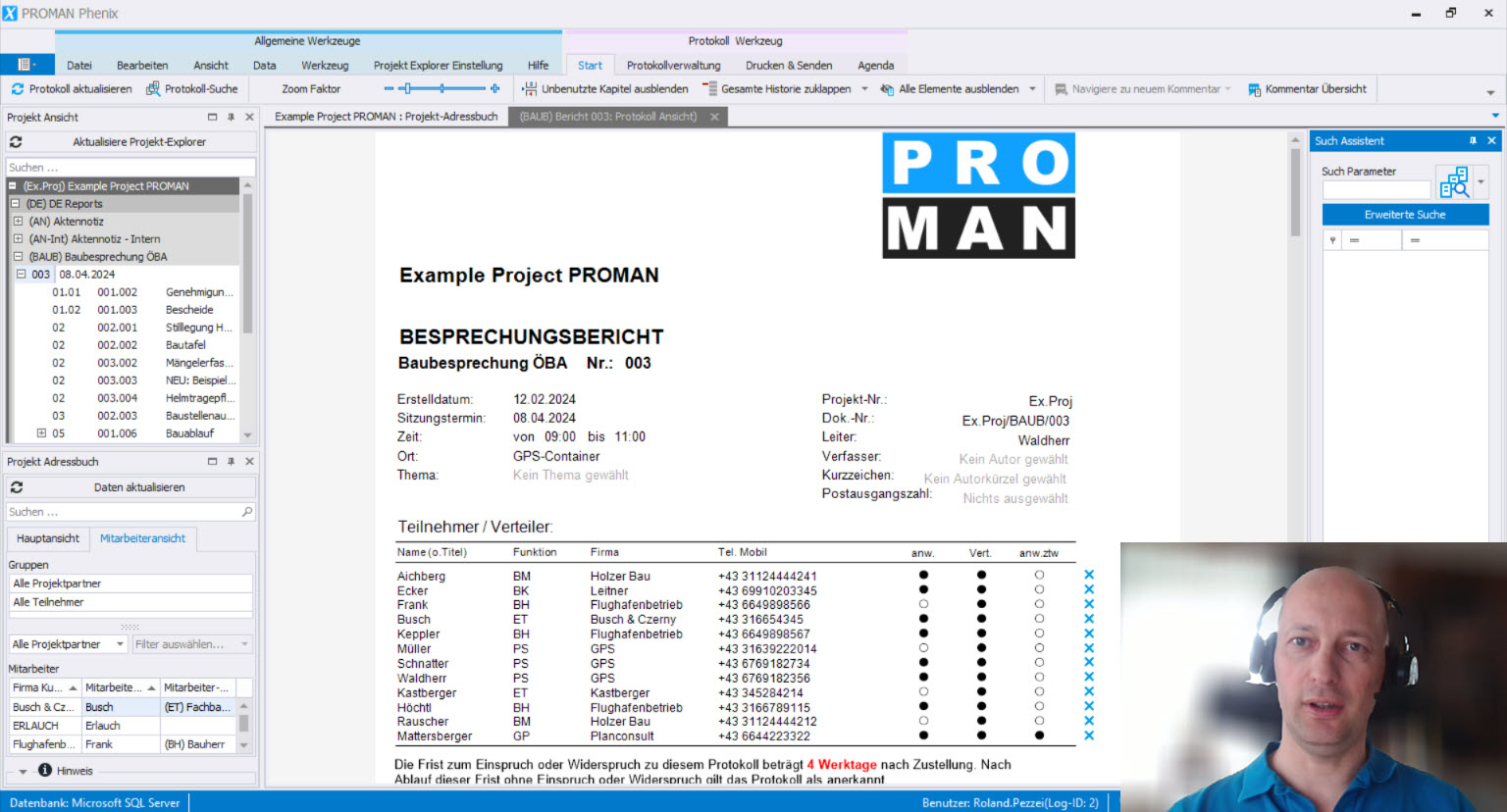
You are currently viewing a placeholder content from YouTube. To access the actual content, click the button below. Please note that doing so will share data with third-party providers. More Information Unblock content Accept required service and unblock content Efficient Information Retrieval in Protocols with the Search Assistant With the search assistant, you can
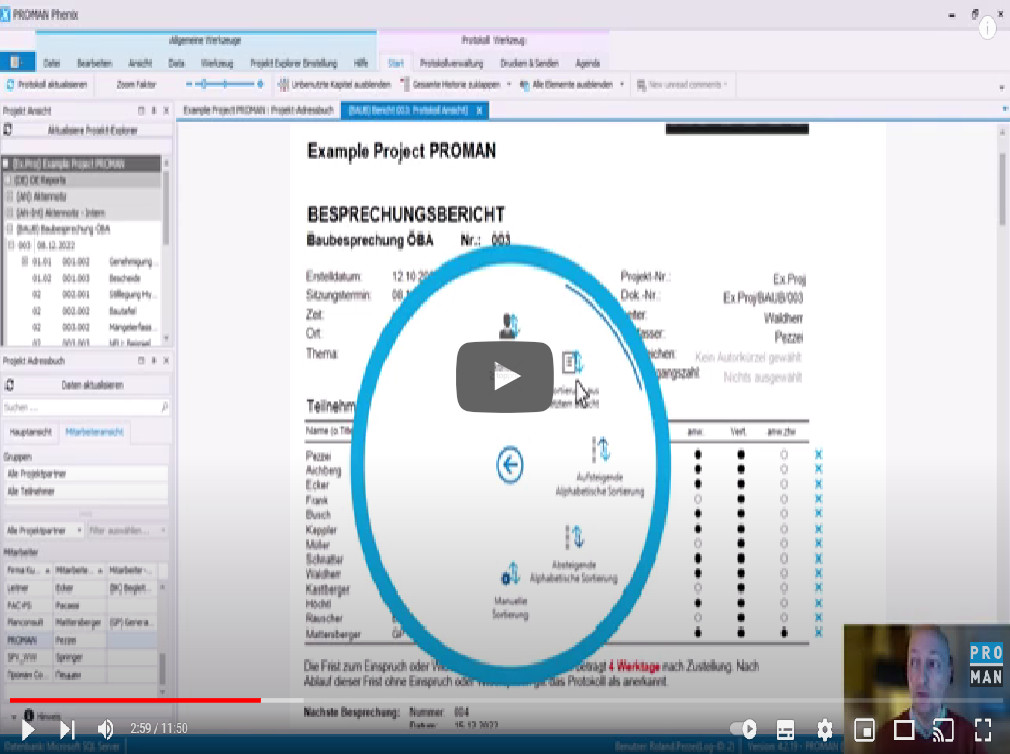
Many functions that were previously only accessible to users via submenus or in a more cumbersome way, are now accessible via the right mouse button. The menu with the options changes depending on where you click.
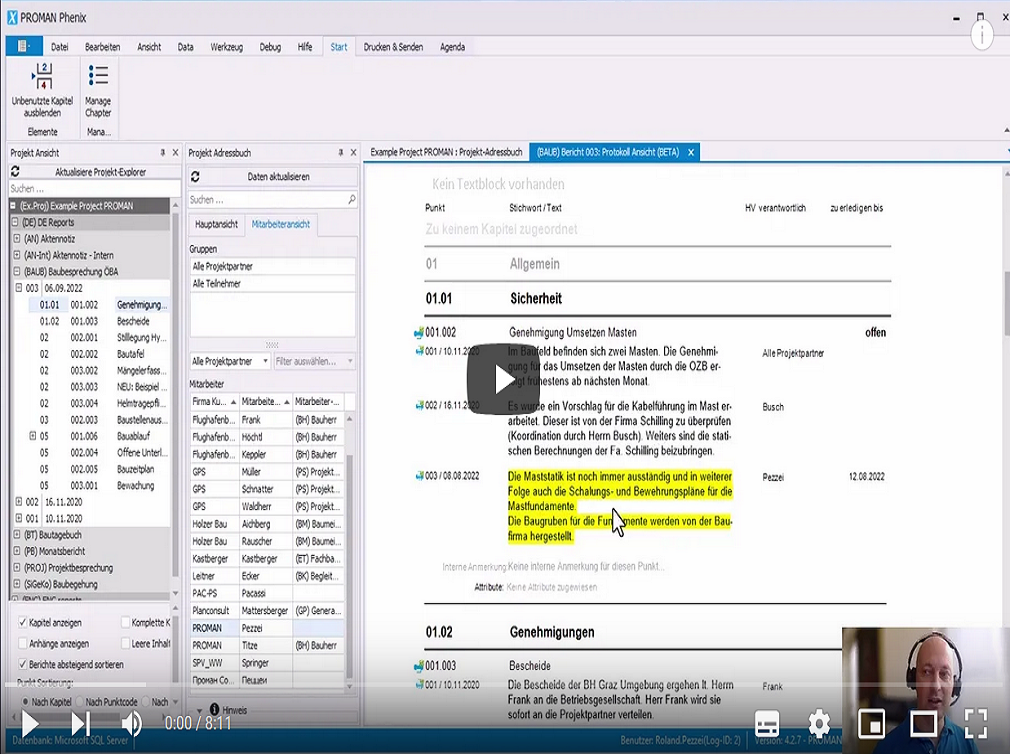
Faster interface and many new features, for example: sending person-specific report excerpts. Keep everyone in the loop by sending meeting participants not only the entire meeting report, but also an excerpt of the report containing only their tasks and assignements.
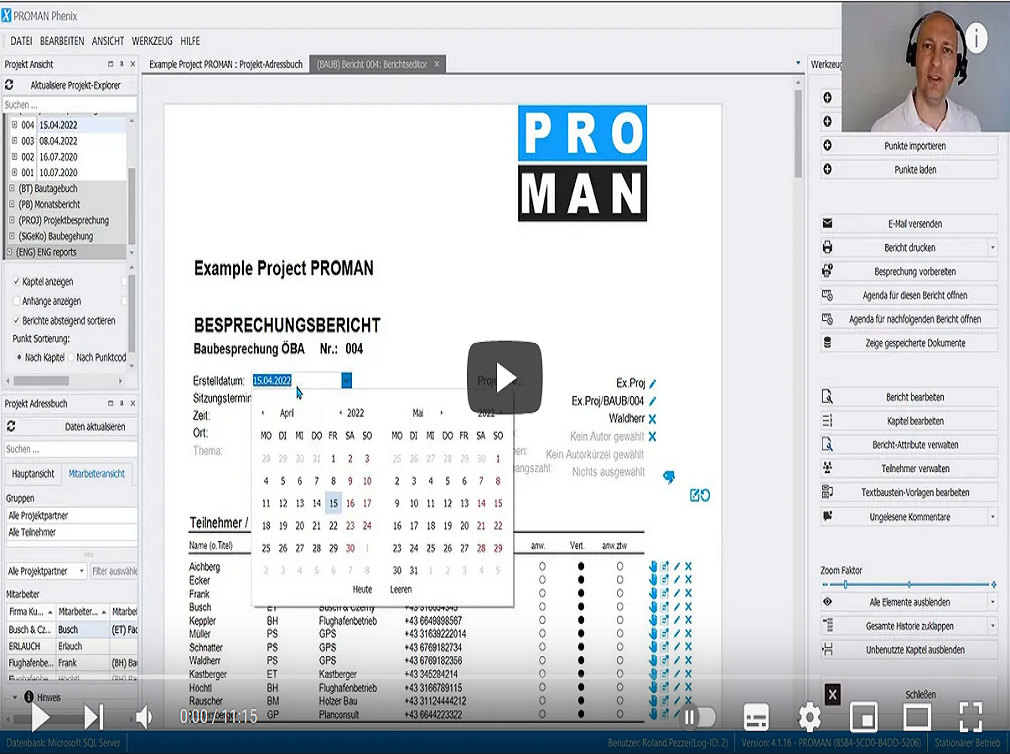
A tutorial for the users that work with the standard interface. Roland Pezzei guides you through the editing of the reports and shows you the most important points, as well as new methods that make your work easier.
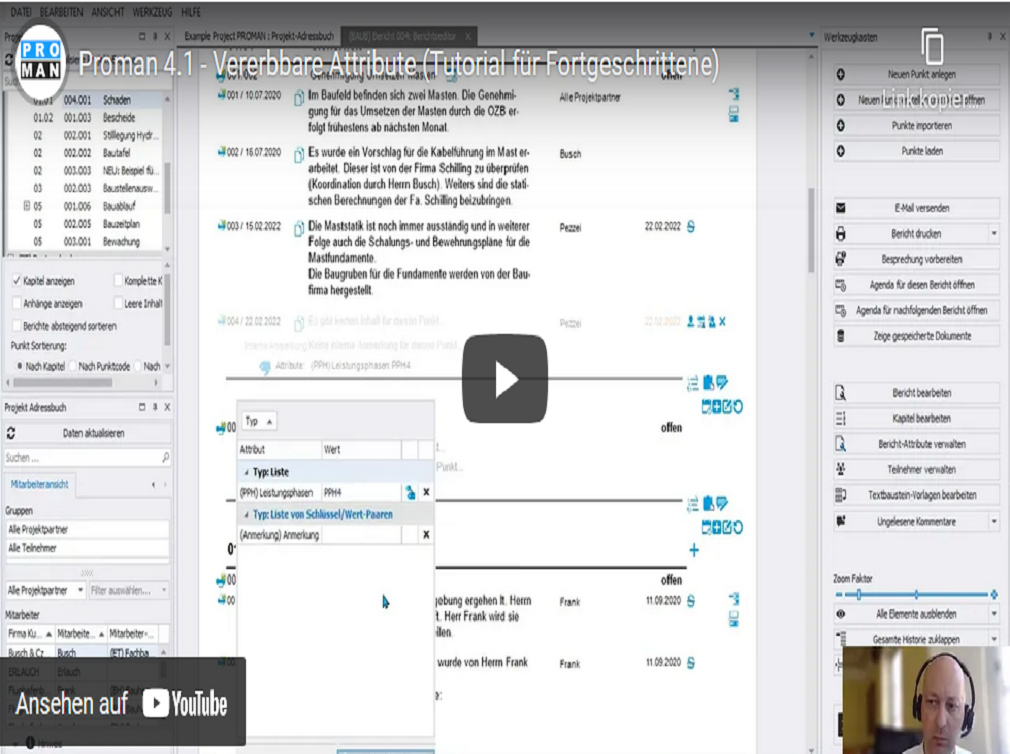
Attributes can be created on a project basis, or centrally for employees, companies, or report points using the Toolbox. In
the standard interface, they can be managed via the Create/Edit Company/Employee field.
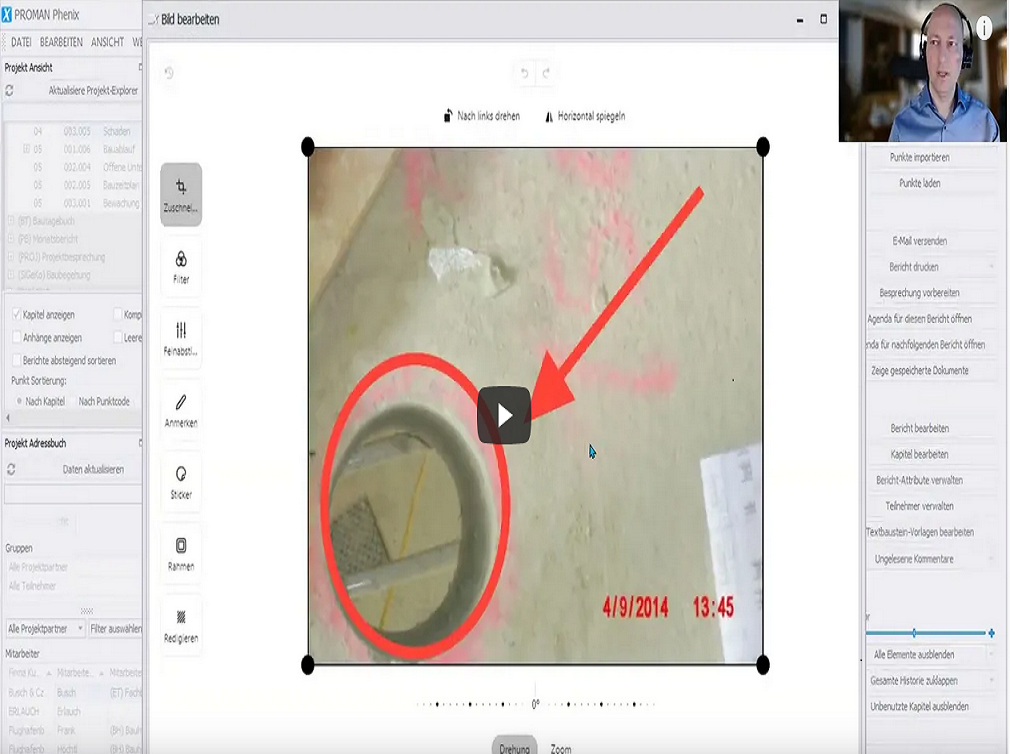
The intuitive and simple handling enables you to swiftly edit selected images.
You can simply drag and drop the pictures to the desired position.
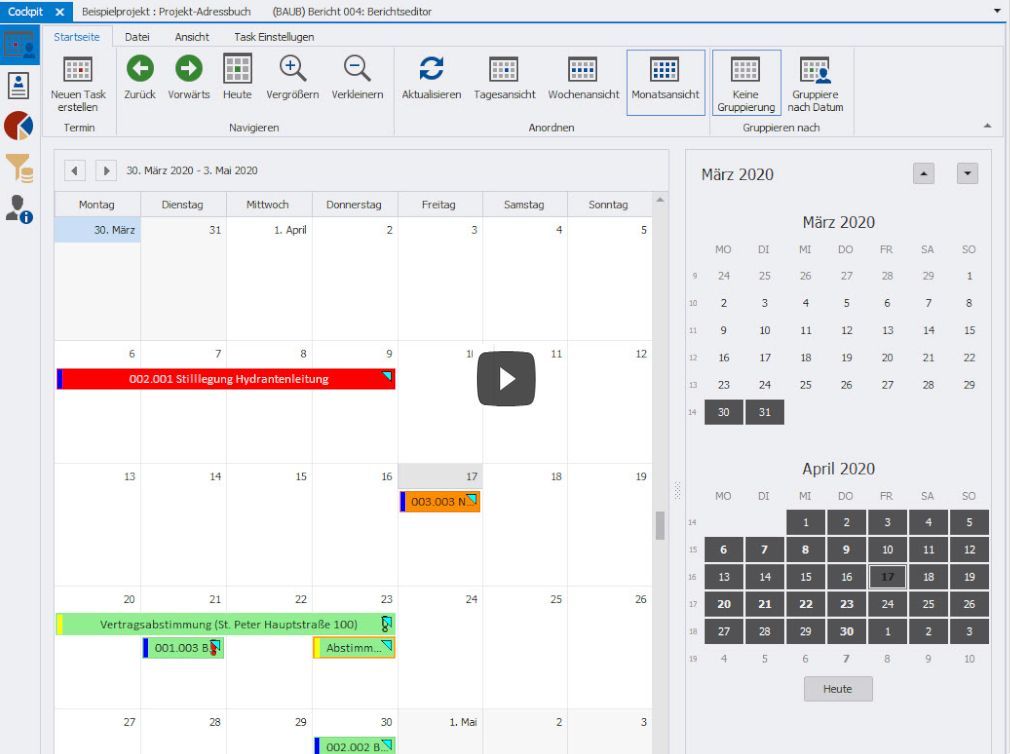
Using the Cockpit you can quickly get an overview of all tasks. The tasks are automatically exported from the reports and displayed in one place.
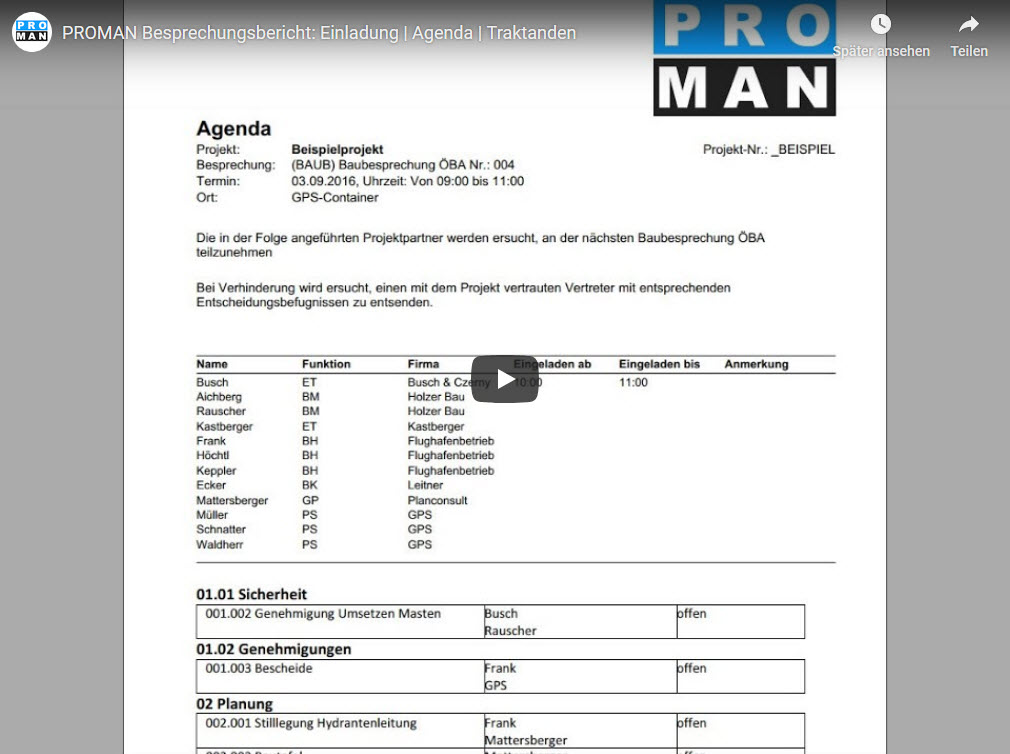
In this video we present the new feature in PROMAN Meeting Report: Invites / Agenda / Agenda items
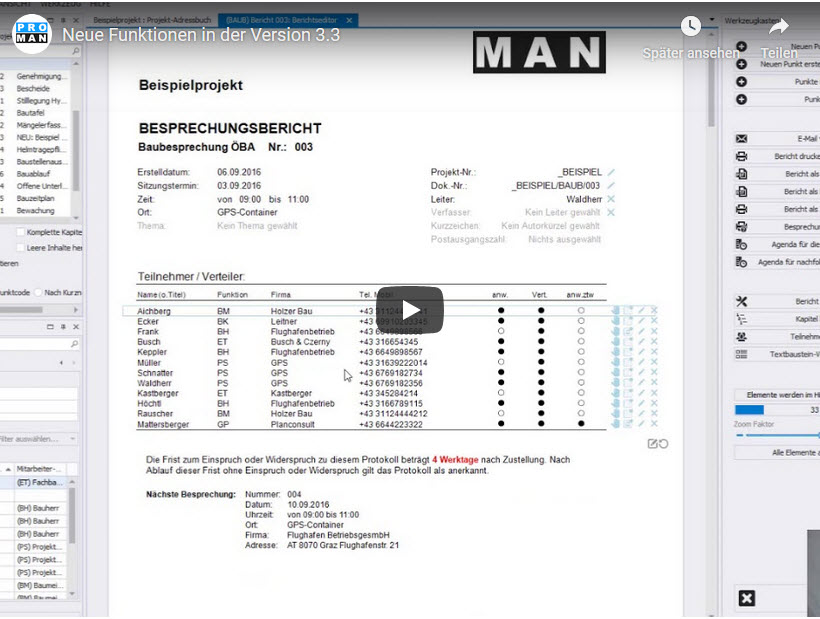
In this video, we will present to you the major enhancements in 3.3 version.
In this video, you can find out, step by step, how to create your first project using PROMAN Meeting Report.
By reworking the old mask, the input field looks like the one you already know from “Word”.
You will be able to use PROMAN quite intuitively and focus on your meeting.
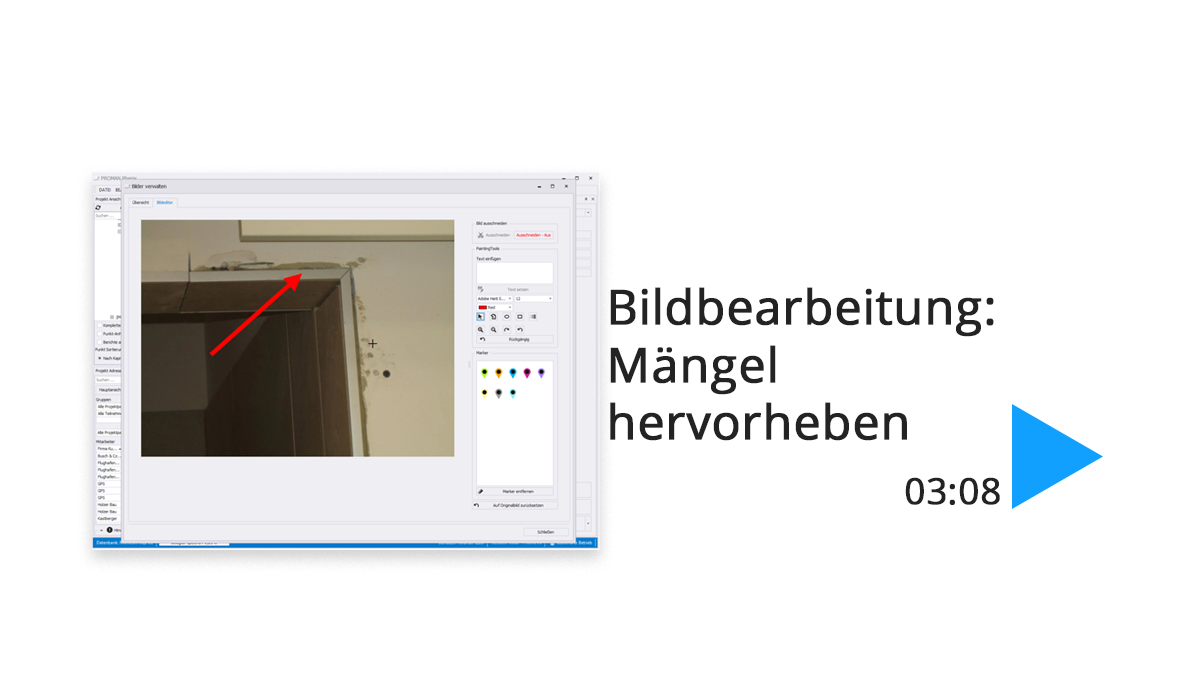
You are currently viewing a placeholder content from YouTube. To access the actual content, click the button below. Please note that doing so will share data with third-party providers. More Information Unblock content Accept required service and unblock content
You need to load content from reCAPTCHA to submit the form. Please note that doing so will share data with third-party providers.
More InformationYou are currently viewing a placeholder content from Turnstile. To access the actual content, click the button below. Please note that doing so will share data with third-party providers.
More InformationYou are currently viewing a placeholder content from Facebook. To access the actual content, click the button below. Please note that doing so will share data with third-party providers.
More InformationYou are currently viewing a placeholder content from Instagram. To access the actual content, click the button below. Please note that doing so will share data with third-party providers.
More InformationYou are currently viewing a placeholder content from reCAPTCHA. To access the actual content, click the button below. Please note that doing so will share data with third-party providers.
More InformationYou are currently viewing a placeholder content from X. To access the actual content, click the button below. Please note that doing so will share data with third-party providers.
More Information